
Specifying a batch size on an RFQ looks like a simple quantity decision — until setup hours show up in your unit price and your lead time stretches. Batch size quietly controls how much of a quote is actual manufacturing and how much is changeover, and how long the order waits between machines. This entry defines batch size as it works on a production order, shows how it drives setup time, run time, and total lead time, and lists the factors that should decide it on custom sheet metal parts.
What Batch Size Means on a Production Order
Batch size is the number of identical parts produced in one continuous run before the equipment changes over to a different part. If a press brake runs 200 brackets before the operator swaps tooling for the next job, the batch size is 200.
One distinction matters at RFQ stage. Order quantity is the total number of parts on the purchase order; batch size is how that total is split into runs. An order for 600 parts can run as one batch of 600, three batches of 200, or six batches of 100 — and each option prices and schedules differently.
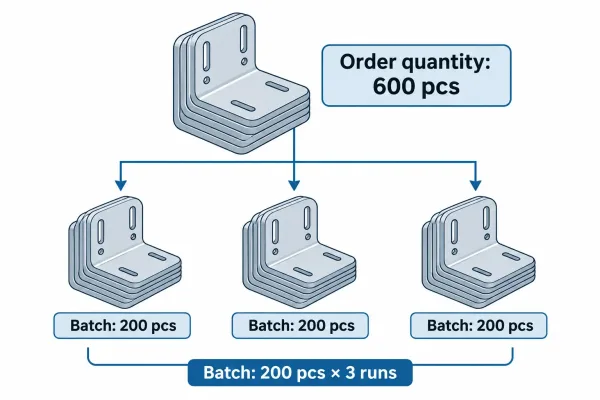
An order for 600 parts run as three batches of 200 — order quantity is the total, batch size is the run.
Where Batch Size Shows Up: Setup, Run, and Queue Time
Every part’s manufacturing time splits into three buckets: setup, run, and queue. Batch size changes how those buckets add up per part and per order.
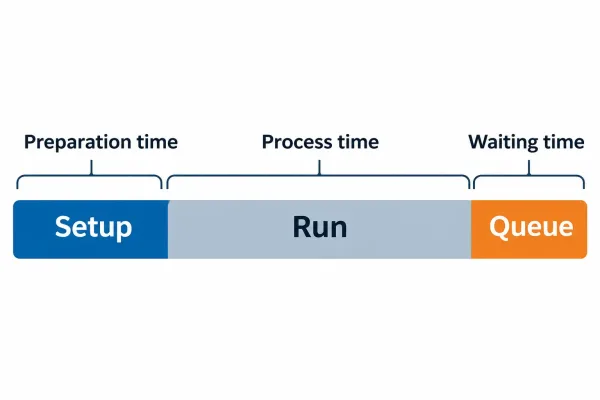
Manufacturing time splits into setup, run, and queue — batch size changes how the three add up.
Setup time per part: the number batch size divides
Setup (also called changeover or make-ready) is the time equipment spends preparing to run a part — loading a laser program, setting press brake tooling, mounting a welding fixture. Setup is fixed per batch, not per part, so the per-part setup burden is total setup hours divided by batch size.
A two-hour changeover spread over 200 parts adds about 36 seconds of setup to each part. The same changeover spread over 20 parts adds 6 minutes per part — identical setup work, ten times the per-part burden. This is why a 20-piece order of the same bracket can quote well above the 200-piece unit price.
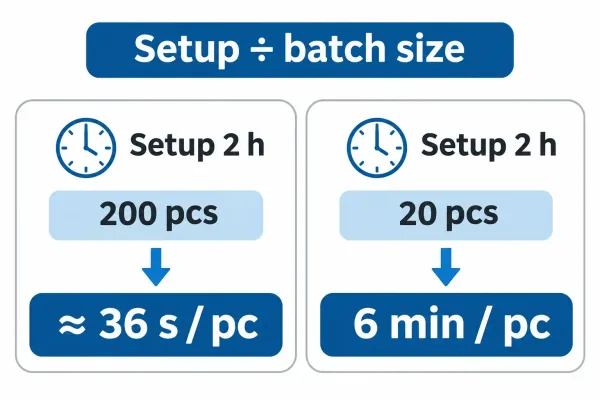
The same two-hour changeover adds about 36 seconds per part at 200 pieces, but 6 minutes per part at 20.
Run time: what changes when a run gets split
Run time is the processing time per part — cutting, bending, welding. In theory it is constant. In practice, short batches can push it up: thermal processes such as welding and some finishing steps pay a warm-up penalty, operators re-verify programs after each restart, and small runs lose the rhythm that keeps cycle times stable.
Long continuous runs also improve material yield. On laser cutting, nesting efficiency — how tightly parts pack onto a sheet — improves when one part fills the nest for the full run instead of sharing space with other jobs. For material-heavy parts, that gain often outweighs the setup savings from smaller runs.
Queue time and total lead time
Total lead time includes more than processing. It includes queue time — the wait between operations while other orders occupy the same equipment. Batch size interacts with queue in two directions. Large batches hold machines longer, so they can delay other orders and extend their own wait at downstream operations. Small batches move faster between steps but need more frequent scheduling slots, and can end up waiting anyway.
What Batch Size Changes on the Sheet Metal Shop Floor
Sheet metal fabrication is a sequence of cutting, forming, joining, and finishing — and each step carries a different setup weight. Batch size affects them unevenly.
Cutting and nesting
Laser and turret punching setups are mostly program-driven: load the nest, set the sheet, run. Setup is light relative to run time, so small cutting batches are workable. Nesting efficiency still rewards volume — a single-part run nests tighter than a mixed sheet — so material cost per part tends to fall as batch size rises.
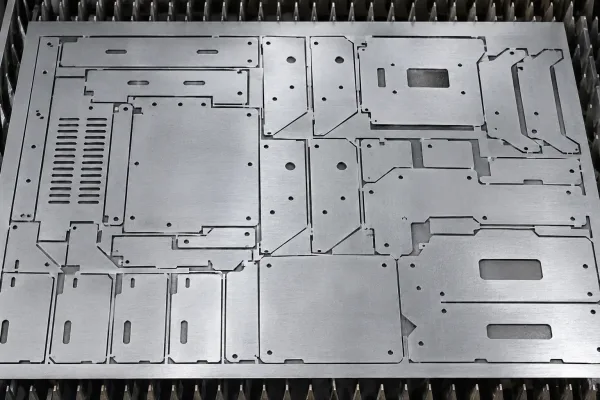
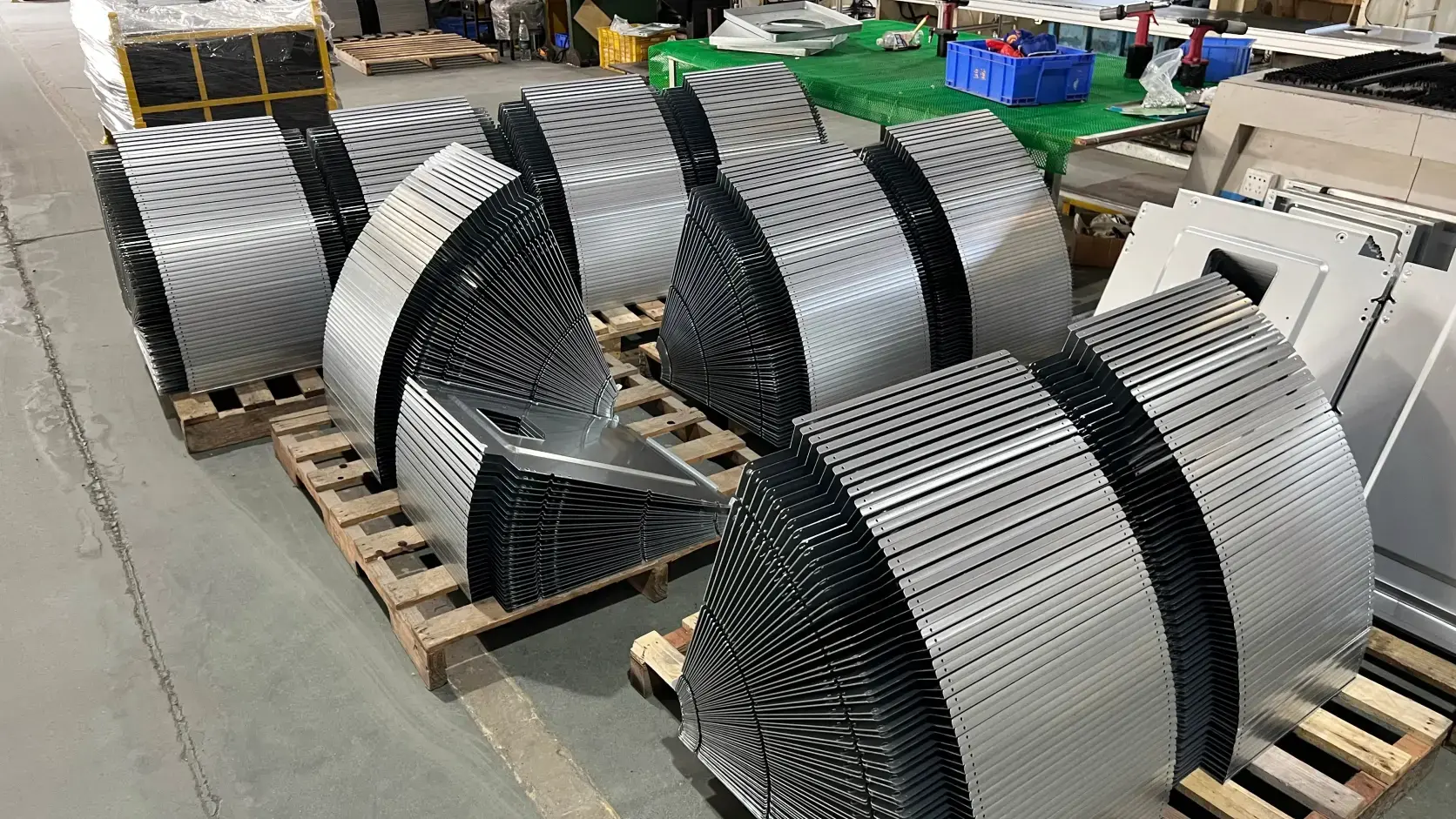
Flat patterns nested on one sheet — a continuous run of one part nests tighter than a mixed sheet.
Forming and joining changeovers
Bending and welding are setup-heavy. Press brake tooling must match the bend profile, fixtures must hold assemblies in position, and weld settings shift with material thickness and joint design. Each changeover costs real hours, and each restart risks angle drift or weld variation. For parts with several bends or welded seams, batch size decides how often that risk is paid.
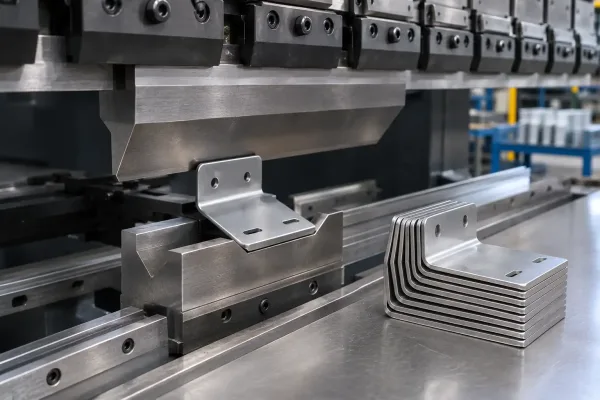
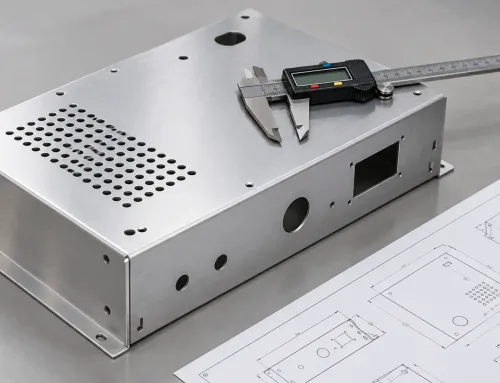
Bending is setup-heavy — tooling must match the bend profile before a run starts.
Finishing, inspection, and packaging
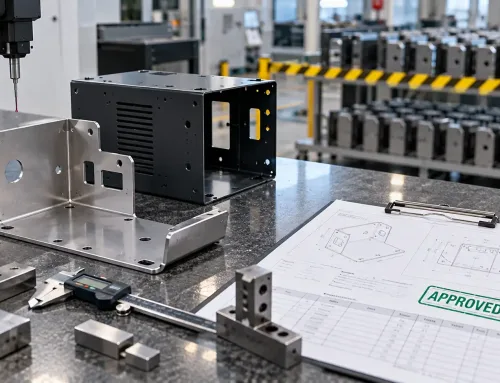
Surface finishing runs in batches: line load size, masking labor, and hanging arrangements all respond to quantity. Inspection follows the same logic. First-article inspection (FAI) — verifying one part against the drawing before the run starts — costs nearly the same whether the batch behind it is 20 pieces or 2,000. Spread over few parts, that cost shows up in the unit price; spread over a long run, it disappears.
What Goes Wrong When Batch Size Is Too Small or Too Large
Both extremes create avoidable cost and schedule risk.
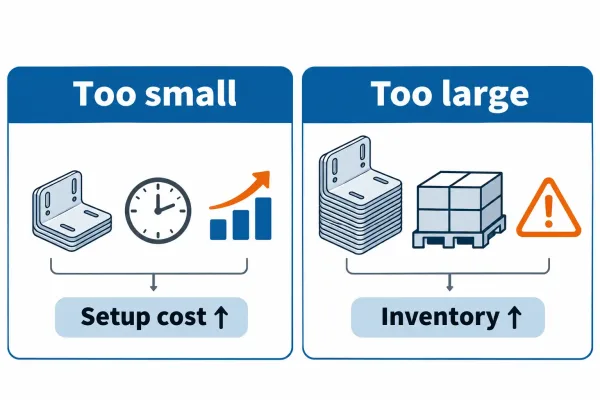
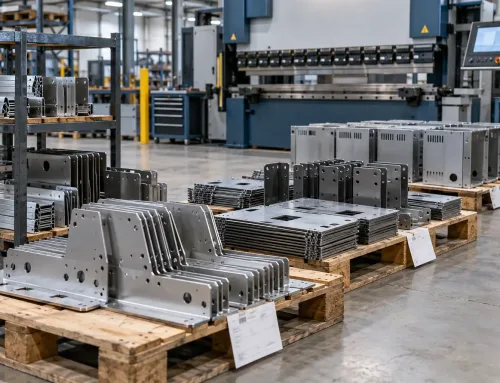
Too small: setup dominates unit cost. Too large: inventory, defect exposure, and slow change response.
Too small. Setup consumes capacity and inflates unit cost. First-article and inspection costs land on few pieces. Scheduling fragments into more slots, more handling, and more chances for queue delay. Small runs also lose nesting and line-loading efficiency.
Too large. Inventory and work-in-process tie up capital and floor space. A defect that appears mid-run can affect the whole batch before anyone catches it. Engineering changes respond slowly, because the line is committed to a long run of parts that may already be out of date. Finished parts that sit waiting for a downstream schedule cost money twice — once to make, once to hold.
How to Choose Batch Size for a Custom Sheet Metal Order
There is no universal optimal batch size for custom parts; the right number follows from the order itself. Four factors decide most cases:
- Setup intensity. Parts with heavy changeover cost — multi-bend parts, welded assemblies, masked finishing — justify larger batches.
- Consistency requirements. Tight-tolerance or appearance-critical parts benefit from longer runs, where first-piece settings hold.
- Lead time and schedule. If the parts feed an assembly line, batches must arrive in step with that line’s rhythm, not just be cheap per unit.
- Inventory tolerance. A buyer who can hold stock can run larger batches. A buyer who cannot should pay the setup premium for smaller runs rather than risk storage or obsolescence.
A practical check: when setup time per batch exceeds run time per batch, the batch is probably too small. When inventory holding cost per piece rivals the setup savings from a bigger run, it is too large.
What to Specify About Batch Size on an RFQ or PO
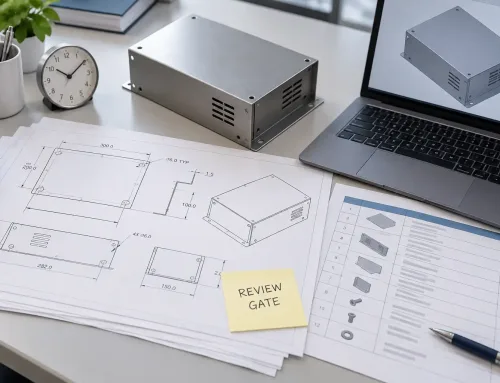
Because batch size moves both price and schedule, state it explicitly when you request a quote. The following items keep both sides aligned:
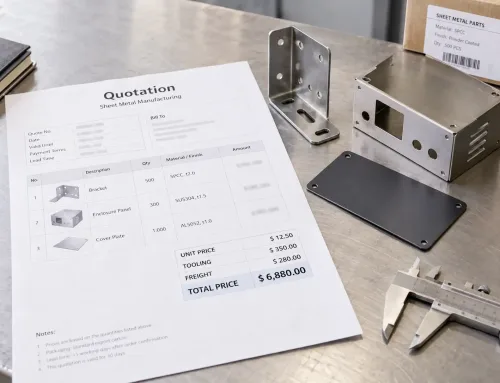
- Quote basis. Ask for unit price at the intended batch size, with setup shown as a separate line where possible.
- Change rules. Define how price and lead time are handled if batch size changes after release.
- First article vs. production. Keep first-article quantity separate from production quantity so FAI cost is not buried in the unit price.
- Split deliveries. If batches ship in stages, say so — packing, labeling, and inspection then happen per batch, and the quote should reflect that.
FAQs
When you set batch size, treat it as a lead-time and quality decision as much as a price decision. Match the run size to setup intensity and consistency needs, write the intended batch size into the RFQ, and revisit the number whenever the design changes. For an upcoming order, a short review of drawing and quantity assumptions at quote stage keeps setup, price, and lead time aligned before production is committed.